
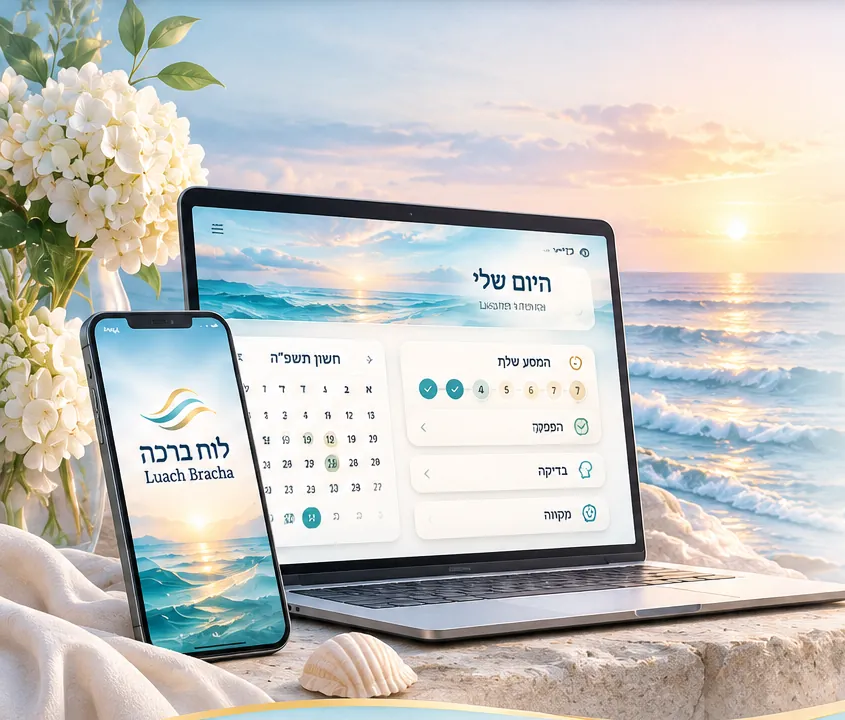
A luach that explains itself
Vesasos, onos and hefsek tahara by your minhag and your Rav’s rules. Every mark uses shape and color, so it reads at a glance.
Your personal space for taharas hamishpacha
Guidance, organization, learning and support — in a safe, private and respectful way
What’s inside
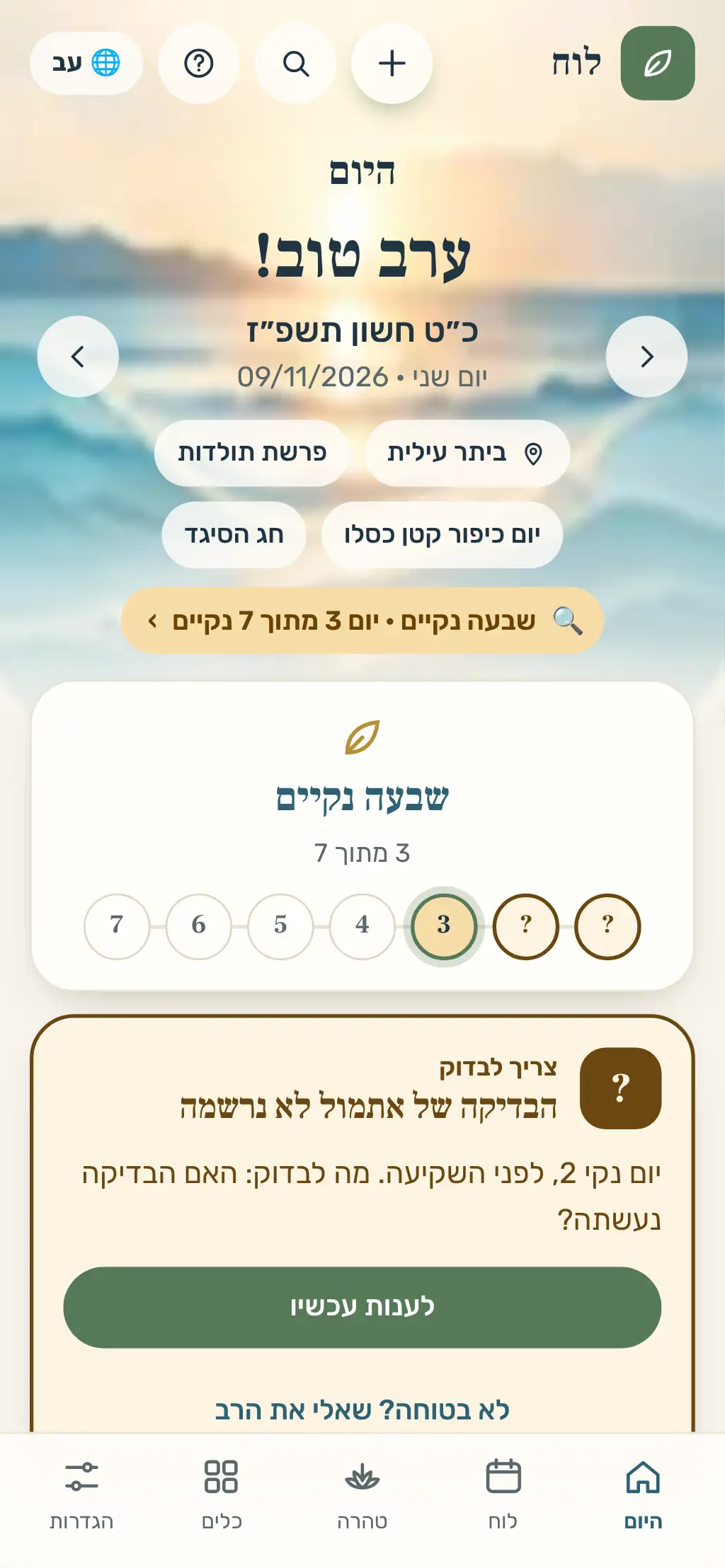
Every day starts with what really matters: what to do, when, and why.
Vesasos, onos and hefsek tahara by your minhag and your Rav’s rules. Every mark uses shape and color, so it reads at a glance.
Gentle bedikah reminders, one-tap confirm and instant undo — without pressure.
Every date comes with a plain explanation: what it’s based on and which rule applied.
1,397 mikva'ot worldwide from public sources: search by city or name, hours, directions and calling – and save your favourites.
A private question, attach only what you choose, and keep the answers.
Tools and content for each season of life — with dignity, simplicity and quiet.
The app
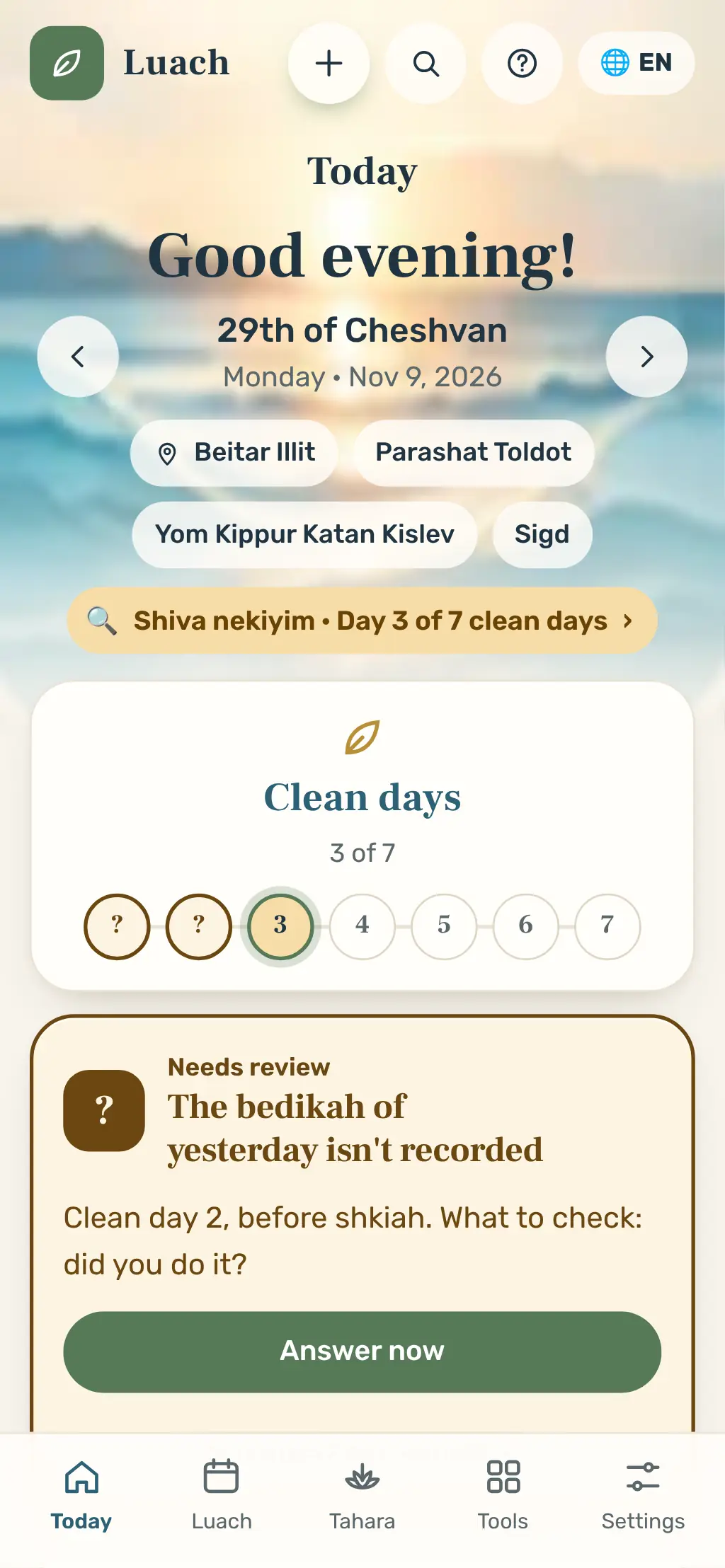
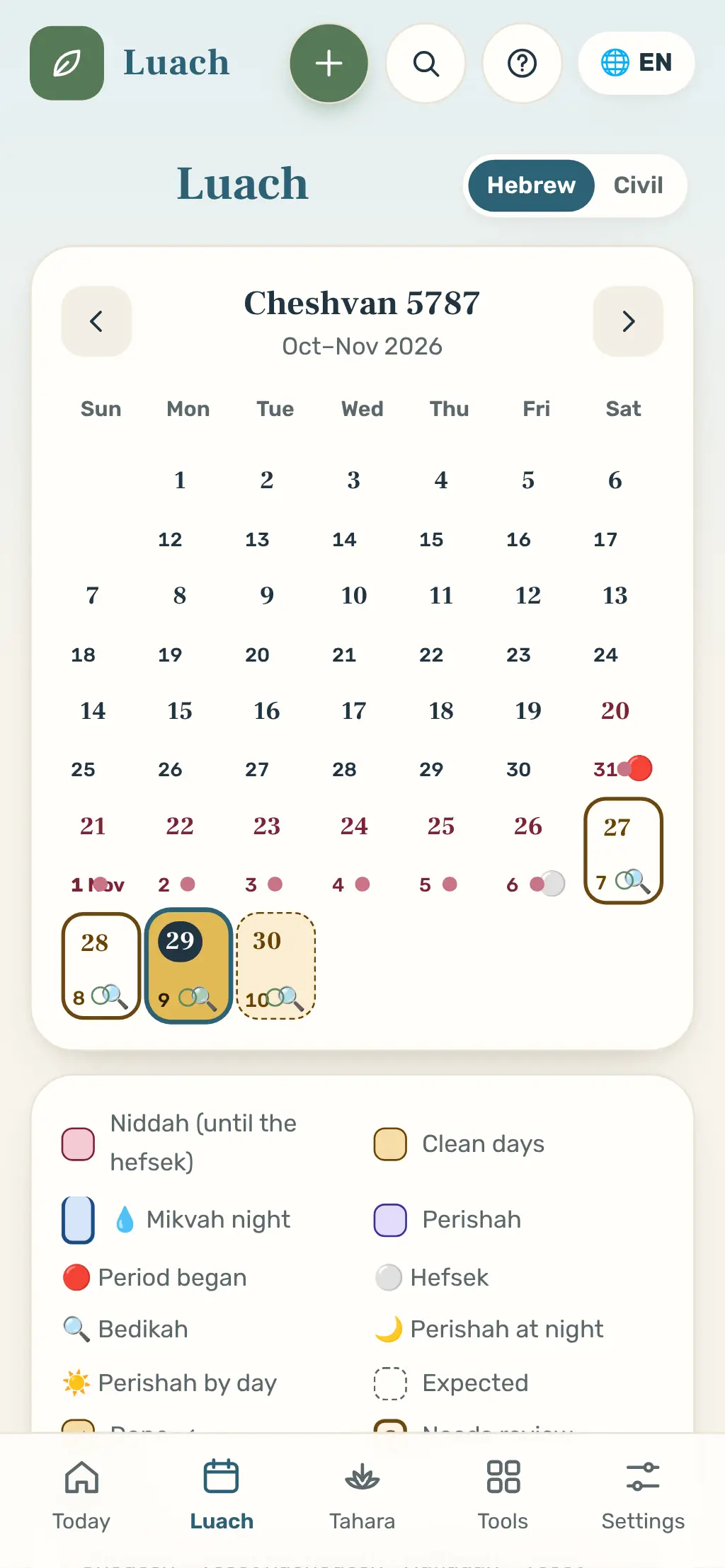
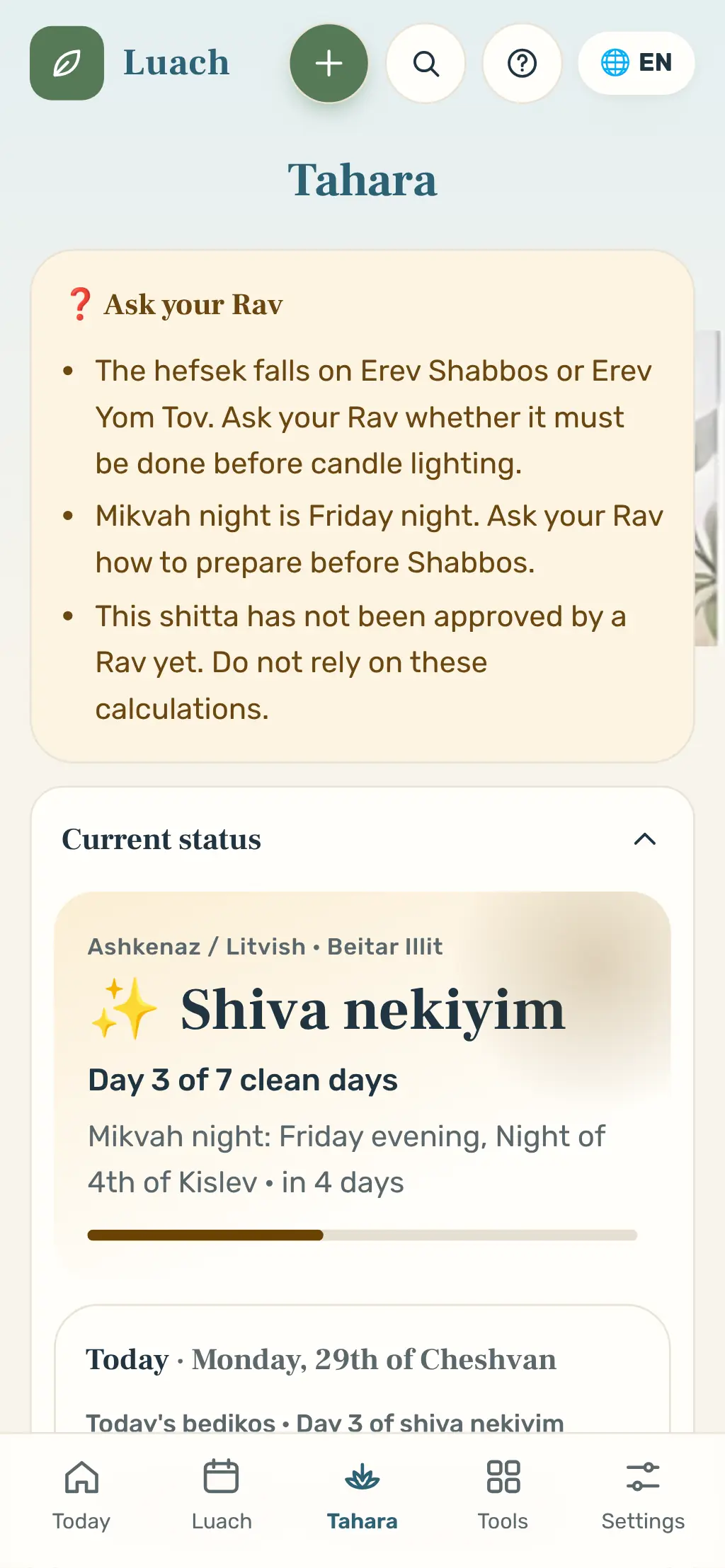
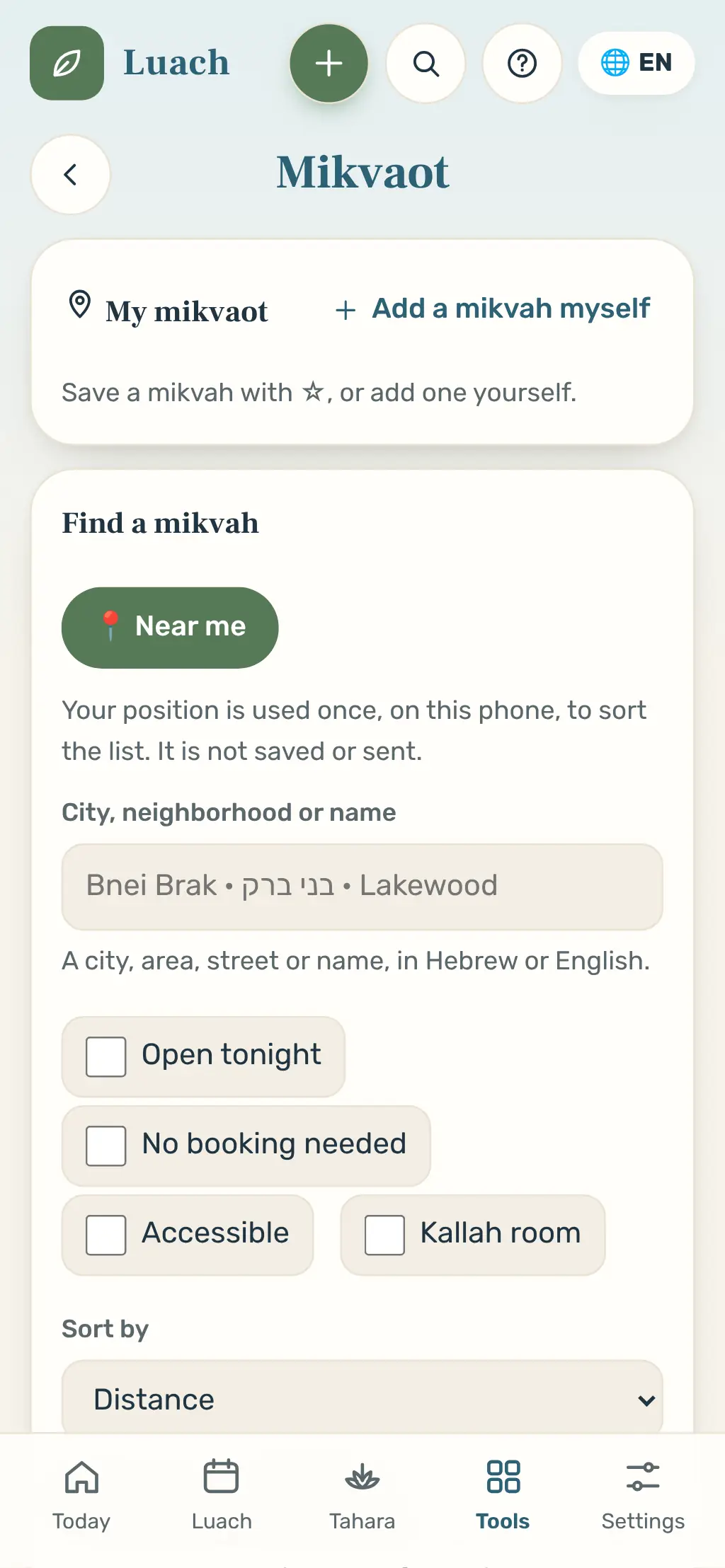
Screens from the app, with sample dates.
Your way
One app, many atmospheres. Every style comes in light, dark and night mode, with adjustable text size.
Tap a style — the app above updates instantly.
Language, location, minhag and your Rav’s rules.
Period, hefsek, bedikos and mikvah — always undoable.
What’s due today, when, and why — with discreet reminders.
The luach works as an app from your home screen – full screen, and offline too. No store, no heavy download.
App Store and Google Play – coming soon.
Everything is encrypted on your device. Nothing is shared unless you choose, and even notifications give nothing away.
Learning
A library of halachos, common questions and guidance — clear, respectful and sourced.
Learning pages are awaiting review by a Rav, a yoetzet halacha and a women's health professional.
No. It calculates from your entries, minhag and settings, and explains every date. When in doubt, ask your Rav.
On your device, encrypted. If you choose to sync between devices, the server keeps only an encrypted copy that we cannot read. Backup is optional and always encrypted.
Yes. Choose a minhag and add personal rules from your Rav; calculations follow them.
Yes. The luach, calculations and zmanim work without a connection.
Only a code word you choose. Nothing from your luach appears on the lock screen.
The app is free for now. Paid plans are coming in the near future.
Calm, order and confidence — on your phone.